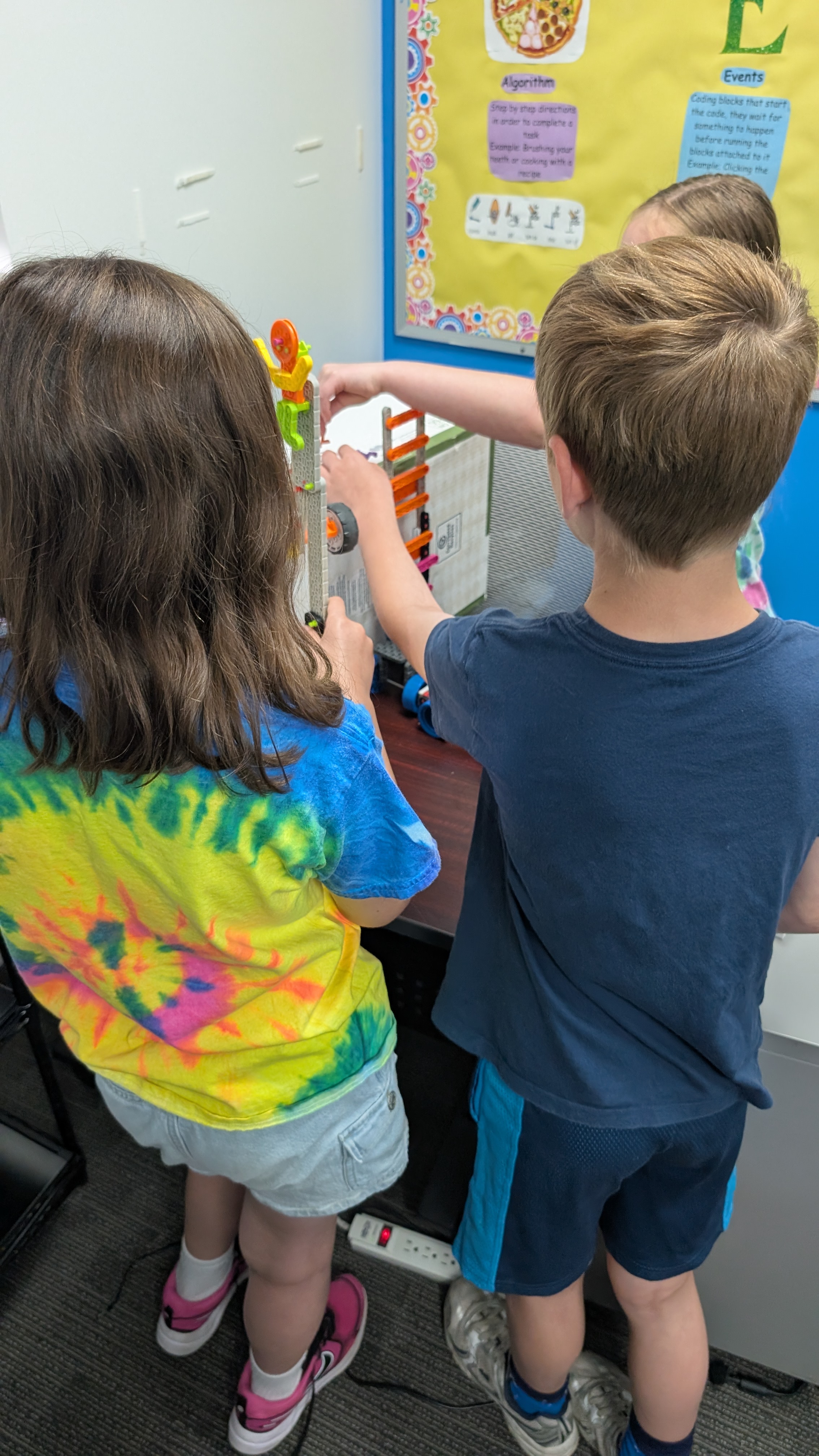
When kids are learning to code, debugging can feel abstract. A program may not run, an error message may seem confusing, or a Scratch project may behave differently than expected. Robotics changes the conversation because the bug becomes something students can see.
I learned this personally in college about 20 years ago. Programming did not really click for me until we started using LEGO NXT robots. Once I could see the code being executed, the ideas became less abstract. A loop was not just syntax. A motor command moved a real wheel. A timing mistake sent a robot too far. The code had consequences I could watch, measure, and improve.
That is why robotics is such a strong fit for K-12 computer science learning. It gives students a physical reason to slow down, notice what happened, and ask better questions.
Debugging is not a backup plan
Adults sometimes talk about debugging as if it only happens after something goes wrong. In real computer science, debugging is part of the work. The 2026 CSTA PK-12 Computer Science Standards describe programming as including reading, evaluating, modifying, and debugging programs, not just writing code from scratch. That matters because it reframes mistakes as expected data.
In a robotics class, a student might predict that a motor should run for three seconds, then watch the robot overshoot the target. That result is not wasted time. It gives the student a useful next question: Was the motor speed too high, the time too long, or the starting position inconsistent?
Good problem solvers do not simply say, "It does not work." They learn to describe what happened, compare it with what they expected, and choose one thing to test next.
Robotics makes computational thinking concrete
Computational thinking can sound like a big term, but the classroom version is practical. ISTE describes it around ideas such as decomposition, pattern recognition, abstraction, and algorithms. The K-12 Computer Science Framework also emphasizes breaking problems into parts, creating computational artifacts, testing and refining work, and communicating about computing.
Robotics naturally pulls those practices together.
A student who is trying to make a robot complete a maze has to decompose the challenge into smaller moves. They may notice patterns: every turn is a little too wide, or the robot drifts left on long straight paths. They create an algorithm, then test and refine.
For younger students, this might happen with block-based code and simple sensors. For older students, it might involve variables, loops, sensor thresholds, or mechanical design. The tools change, but the thinking pattern stays familiar: plan, build, test, revise.
The best adult move: ask before fixing
When a child is stuck, it is tempting to jump in and solve the problem quickly. That can feel helpful in the moment, especially when a class period is short. But in robotics, the most useful adult move is often a question.
Try prompts like:
- What did you expect the robot to do?
- What did it actually do?
- What is one thing we can change without changing everything?
- How will we know whether that change helped?
- Can you show me the part of the code or build you want to test?
These questions keep ownership with the student. They also make debugging less emotional. Instead of "my project failed," the student can start thinking, "my test gave me information."
Sometimes students need a quick mini-lesson on gear ratios, sensors, friction, or the physics behind a robot's movement. The key is to teach just enough to help them take the next step, then hand the thinking back.
Teamwork is part of the learning
Robotics also gives students a reason to practice collaboration. VEX's Continuum guidance describes robotics learning that uses roles, turn taking, group decision making, iteration, and shared reflection. That is a useful model for any classroom or home robotics activity: students learn more when they have shared problems and clear roles.
Roles can be simple:
- Builder: adjusts the physical design.
- Programmer: changes the code.
- Tester: runs the trial the same way each time.
- Reporter: records what changed and what happened.
Students can rotate roles so one child does not always become the "coder" while another only watches. This helps every learner get meaningful time with both the code and the physical model.
What families can do at home
Parents do not need a full robotics lab to reinforce these habits. A small kit, a programmable toy, a simulation, or even a paper maze can support the same thinking.
The most important routine is the test cycle:
- Make a prediction.
- Run one test.
- Describe what happened.
- Change one variable.
- Try again.
Keep the language simple. "What changed?" is often better than "Why did it fail?" Careful observation and patient revision matter beyond robotics.
Families can also celebrate useful debugging, not just finished projects. A student who says, "I tested the wheels and found out one side was dragging," has done real problem-solving work even if the robot has not completed the challenge yet.
A balanced view
Robotics is not magic, and it is not the only way to learn computer science. Students also benefit from games, animations, apps, unplugged activities, data projects, and AI literacy conversations. But robotics has a special strength: it makes thinking visible.
When kids can point to a wheel, a sensor, a line of code, or a test result, they can talk about their reasoning more clearly. That helps parents and teachers support the process instead of focusing only on the final product.
The goal is not to raise kids who never get stuck. The goal is to help them recognize being stuck as the start of a useful investigation.
Try this at home
Before changing a robot or program, ask your student to make one clear prediction. Then run the test, compare the result, and change only one thing before trying again.